Uncategorized
June 10, 20264 min read
Case studies for using AI Agents
How I Use AI to Accelerate Web Development and DevOps Work Over the past year, ...
Read ArticleBy @mike
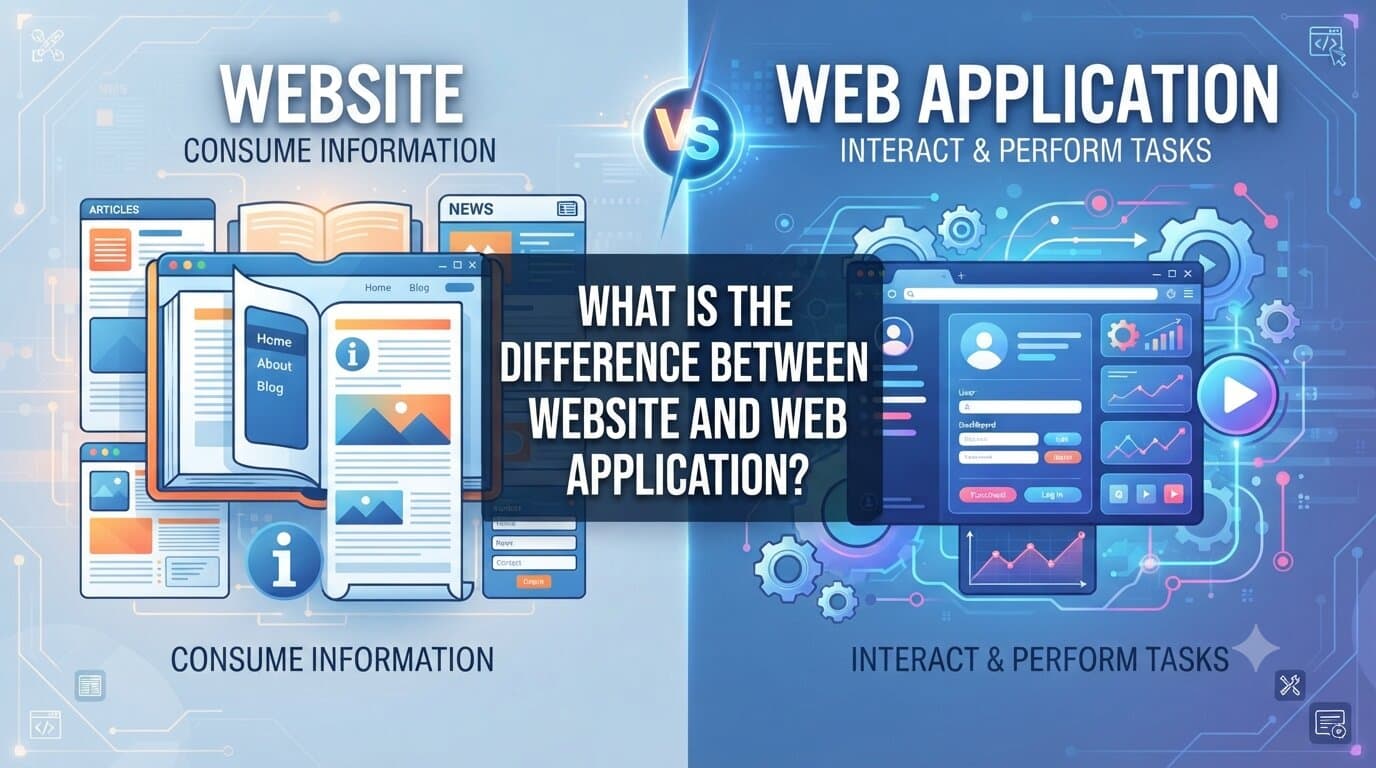
In the digital age, terms like “website” and “web application” (or web app) are often used interchangeably. When browsing the internet, both are accessed via a web browser (like Chrome, Safari, or Firefox), require an internet connection, and reside on a remote server.
However, beneath the surface, they serve entirely different purposes, possess different levels of complexity, and offer distinct user experiences. Understanding the difference between a website and a web application is crucial for anyone looking to build a digital product, hire developers, or simply understand how the modern web works.
A website is a collection of related web pages, images, videos, and other digital assets hosted on a web server and accessible via a domain name. The primary goal of a website is to deliver information to the user.
Websites are largely content-driven and focus on one-way communication—from the site owner to the audience.
Examples: BBC News, Wikipedia, a local bakery’s informational page, or a personal photography portfolio.
A web application is an interactive software program hosted on a remote server and accessed through a web browser. Unlike a website, where the primary goal is consumption, the primary goal of a web app is user interaction, functionality, and task execution.
Web apps act more like desktop or mobile software, but they run entirely within a browser without requiring a heavy local installation.
Examples: Google Docs, Trello, Netflix, Spotify, or online banking portals.
| Feature | Website | Web Application |
| Primary Goal | To inform, educate, or market (read-only). | To perform tasks and solve problems (interactive). |
| User Interaction | Passive (reading, scrolling, viewing media). | Active (inputting data, editing, computing, manipulating). |
| User Authentication | Rare (except for admins or comment sections). | Essential (personal accounts, secure dashboards, profiles). |
| Complexity | Generally straightforward; focuses on UI/UX and content layout. | Highly complex; requires robust backend logic, databases, and APIs. |
| Updates & Data | Content changes periodically (blog posts, news updates). | Data changes dynamically in real-time based on user actions. |
The boundary between a website and a web application is not always black-and-white. Many modern digital platforms blur the lines by blending both concepts.
The easiest way to distinguish between the two is to ask yourself: “Am I primarily reading something, or am I doing something?”
If you are visiting a platform to consume content, news, or company details, you are looking at a website. If you are logging in to create, manage, calculate, collaborate, or process data, you are using a web application. Both are vital pillars of the modern internet, each tailored to a completely different set of digital needs.
Full-stack developer with 10+ years specializing in WordPress, high-traffic e-commerce, custom headless architectures, and AI agent integration.
Continue Reading
How I Use AI to Accelerate Web Development and DevOps Work Over the past year, ...